Updated October 26, 2026 · Naba Digital Solutions
A customer may encounter your business on Google before reaching your website. A well-maintained Business Profile helps that person check practical information, explore your services and decide whether to take the next step.
It works best alongside a clear website and a reliable way to handle inquiries. Creating a listing without maintaining the information or responding to customers leaves much of that opportunity unfinished.
First, confirm that the business is eligible
Despite the common phrase “every small business,” a Google Business Profile is not suitable for every business model. Google’s guidelines generally require a location customers can visit or a business that travels to customers. Online-only businesses are not eligible merely because they have a website. Check the current rules and the way your business operates before setting up a profile.
For an eligible business, decide who will manage access. Use accounts the business can retain control of, and keep the ownership arrangement clear when an outside partner helps with setup.
Make the listing useful to a real customer
Think about the information someone needs before contacting you. They may want to know what services you provide, when you are available, whether you serve their area and where to find more detail.
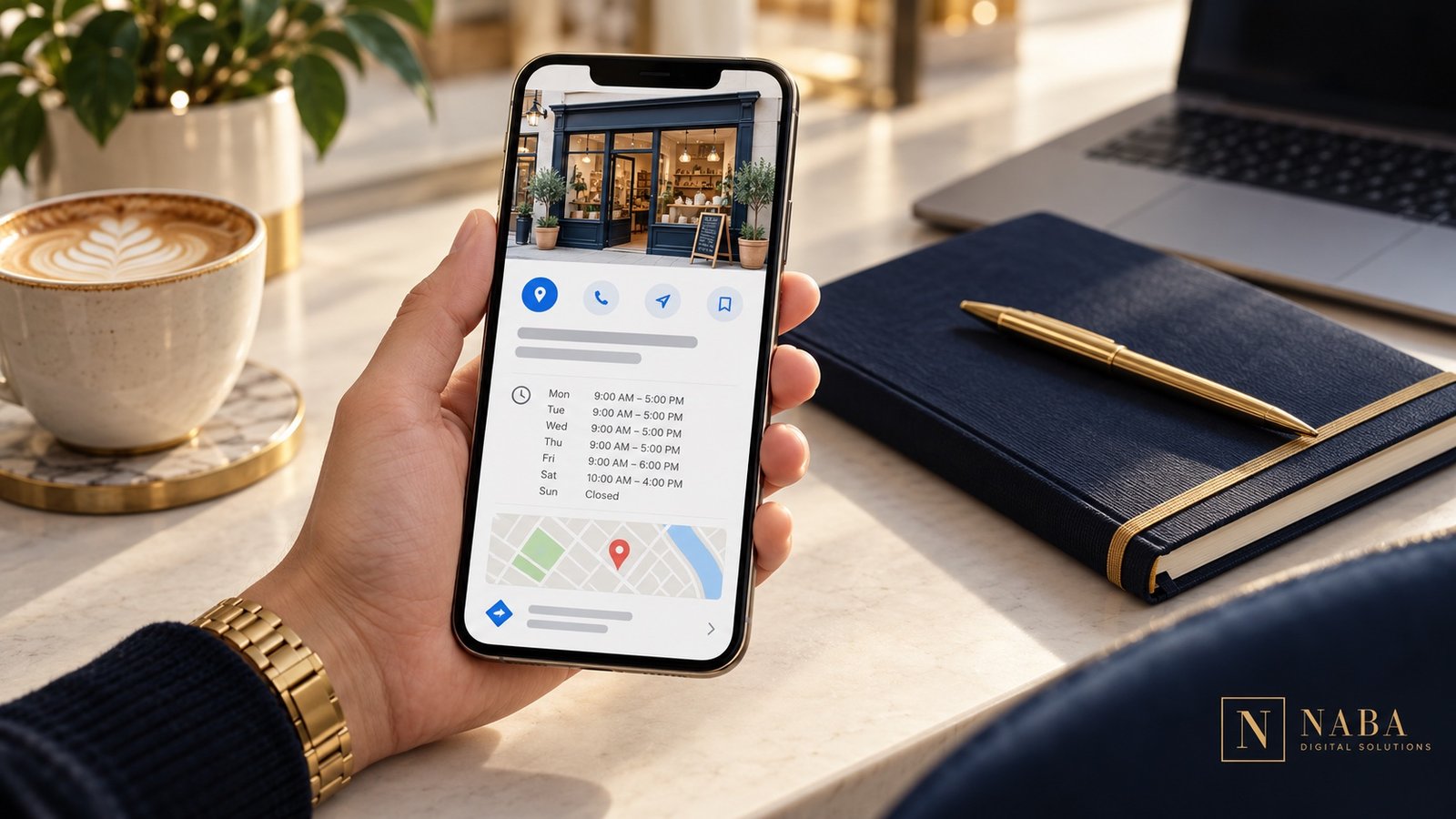
Keep your public telephone number, website and working hours current. Write a description that explains the business in ordinary language. Choose photographs that help customers recognize what you actually offer. Do not use a stock photograph as if it were your real office or team.
Connect the profile to the right website journey
The website should continue the conversation started on the profile. A visitor interested in a service needs a clear explanation of that service, evidence of relevant work and an easy contact route.
Check the link yourself on a phone. Read the destination page, complete the contact form and confirm that the message reaches the right person. If you add a booking link, also check what happens after a visitor chooses a time or submits a request.
Let authentic reviews support the decision
A useful review gives a prospective customer context about another person’s experience. Ask customers for honest feedback after the work, using a simple link or QR code. Do not offer a reward for a positive rating or for changing criticism; Google’s review guidance explains the rules.
Below are the actual reviews connected to Naba Digital Solutions’ Google profile. The widget links back to their source, so visitors can distinguish real customer feedback from a decorative testimonial image.
What our clients say on Google
Read our verified customer reviews on Google. View Google reviews ↗
Understand what the numbers can—and cannot—tell you
Google’s Business Profile reporting can show how people discover and interact with a verified profile. The available measures depend on the business, and reporting can include organic and advertising activity.
Use those figures to form practical questions. If people visit the site but rarely inquire, check the destination page and the offer. If customers regularly ask the same basic question, make that answer easier to find. Record actual inquiries and bookings separately so website activity is not mistaken for business revenue.
A simple maintenance checklist
- Review hours and contact details when business arrangements change.
- Check that the website and booking links still reach the intended destination.
- Read new reviews and prepare a relevant, professional response.
- Refresh photographs when the business, services or premises change.
- Review inquiry quality alongside the reporting that is available.
Keep the process realistic: assign a person, a review date and a way to record changes. A profile that your team can maintain is more useful than an elaborate setup that nobody owns afterward.
Naba can help with profile organization and local marketing alongside your website. Tell us about your business and we can review the work you need.