Updated October 26, 2026 · Naba Digital Solutions
A real estate website should help a buyer, seller or referral understand your expertise and begin a useful conversation. Attractive property photography matters, but it needs a clear structure, practical information and an inquiry process your team can manage.
Start by deciding which audience and services deserve priority. An independent agent, a brokerage and a property-focused business may need different page structures and tools.
Define the main journeys
List the tasks visitors are likely to bring to the site. A prospective seller may want to understand your approach before requesting a consultation. A buyer may want to explore the area and ask about a property. A referral may simply need to confirm your experience and contact you.
Give each priority a clear route. Avoid making visitors move through a large property gallery before they can find who you are or how you can help.
Build a useful core page structure
- Home: explain your offer, service area and next step.
- About: introduce the professional or team, relevant experience and working approach.
- Buyer and seller services: explain the support provided and the information needed to start.
- Property presentation: organize the listings or selected work you are authorized to publish.
- Local information: answer practical questions about the areas you actually serve.
- Contact: provide a focused consultation or property inquiry form.
The final list should reflect your business rather than a template’s default menu. A smaller set of well-maintained pages can be easier for customers and your team to use.
Make property pages easy to explore
Use a consistent order for photographs, key details, location information and the inquiry action. Clearly distinguish an active listing from a completed transaction or illustrative portfolio example. Explain what the inquiry button will do—request a conversation, ask about availability or arrange the next step.
Check image rights and the listing information you are allowed to display before publishing. If the project needs MLS or IDX integration, confirm the feed, provider, access requirements and continuing costs with the relevant parties before including it in the build. A design mockup alone does not establish that an integration is available.
Design for mobile decisions
Test a full journey on a phone: open the menu, review a service or property, view photographs and submit an inquiry. Keep contact controls easy to tap and avoid hiding basic information behind repeated popups.
Large photographs need careful preparation. Ask your designer how the site will serve appropriately sized images and keep the page usable while they load. Review representative property pages as well as the homepage.
Give inquiries enough context
A useful form helps your team prepare for the response. For a property inquiry, include a property reference or page link. For a consultation, a name, contact method, area of interest and short message may be enough to begin.
Avoid collecting detailed financial records through a general marketing form. Agree where inquiries go, who responds and how you will confirm that delivery works. A form submission should lead to a defined follow-up process rather than an unmonitored mailbox.
Show expertise with evidence
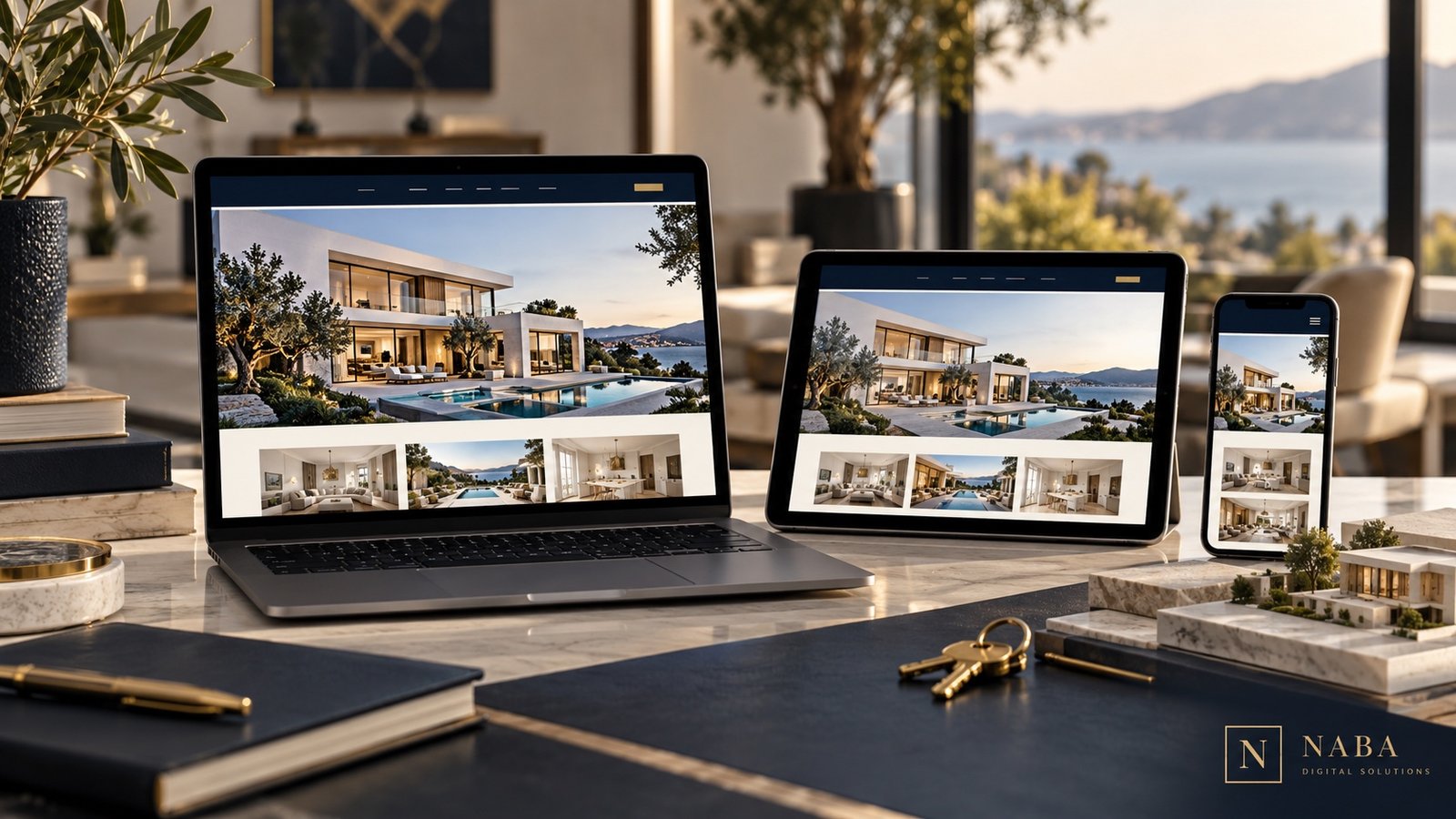
Use a genuine biography, clear service descriptions and authentic reviews. When presenting a project, explain what you delivered. Screenshots and website mockups can illustrate design choices, but they should not be presented as proof of a particular sales result.
Local articles can answer questions your clients actually ask: how to prepare for a first consultation, what information helps you understand a search, or how your service works in a particular area. Prioritize useful, current explanations over repetitive city-name pages.

Decide who maintains the website
Assign responsibility for listing status, photographs, service copy, contact details and technical upkeep. Include those tasks in the project discussion and ask for a handover built around them. If outside tools are involved, keep account ownership and recurring charges clear.
Naba’s real estate digital solutions connect website presentation, branding, inquiry forms and local marketing within an agreed scope. Start a conversation about your project with your audience, priorities and any existing listing tools you need to keep.