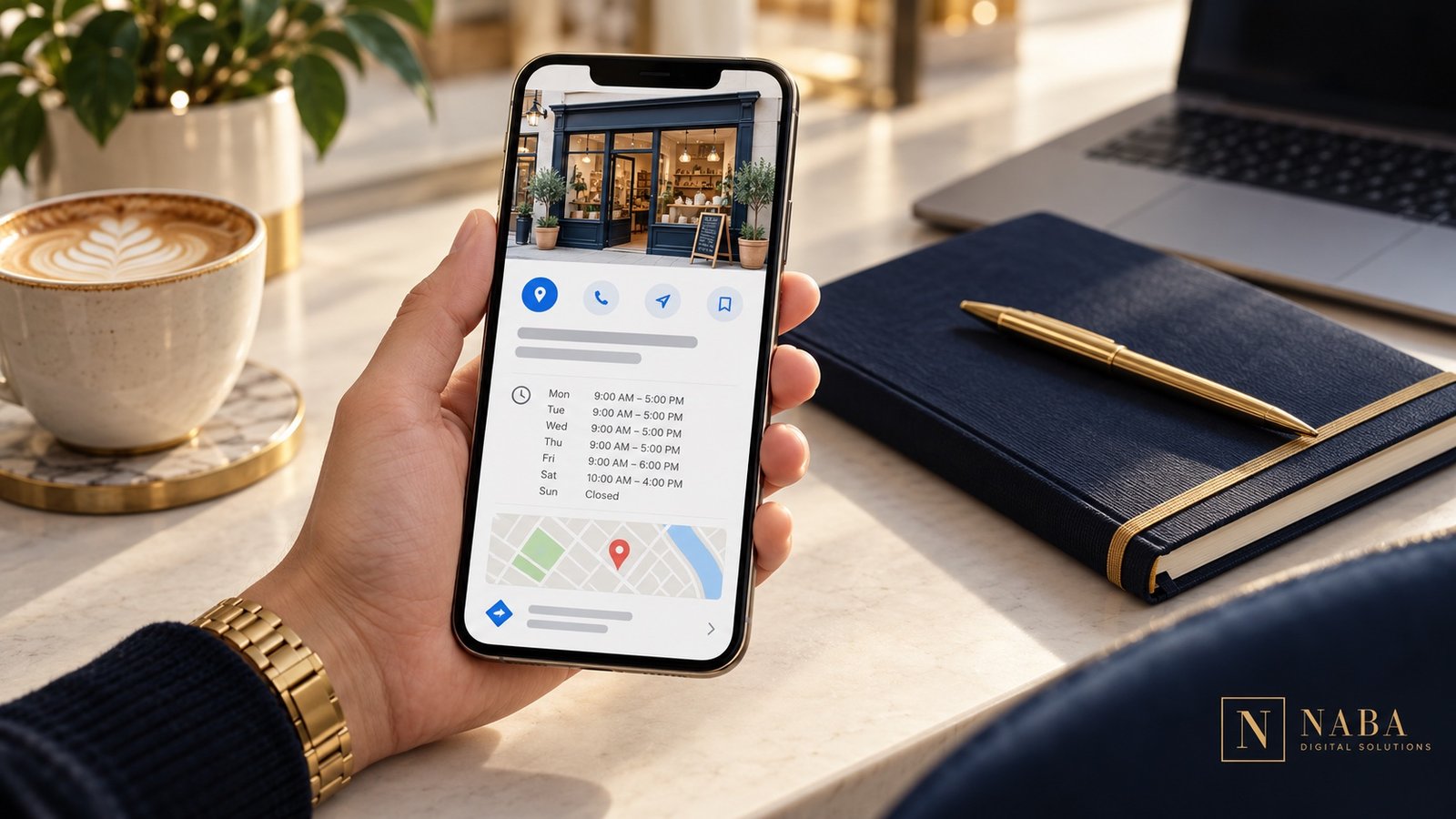
Local SEO starts with a practical question: can a nearby customer understand what you do, confirm that you serve them and contact you without confusion? Work through these ten priorities before spending time on complicated tactics.
Google explains that local results consider relevance, distance and prominence, and that a business cannot pay Google for a better local position. Use that local-ranking guidance to set realistic expectations. Your job is to improve the information and experience you control.
1. Review your Business Profile information
Open the public profile as a customer would. Check the website link, telephone number, hours and description of your services. Keep a simple checklist so changes in your business are reflected on the profile rather than remembered months later.
2. Use your real business identity
Present the business name customers actually know. Do not add a string of cities and services just to target searches. Google’s representation guidelines address business names, categories and accurate location details. Check the rules that apply to your business type before creating or changing a listing.
3. Give each important service a useful page
A visitor looking for a particular service should not need to search through a long list of unrelated offers. Explain who the service is for, what is included, what information you need and how to request a quote. Use the words your customers use in actual conversations.
4. Write about the places you genuinely serve
Help customers decide whether your business is relevant to their location. Explain practical details such as service coverage, appointment arrangements or delivery availability. If you create separate area pages, give each a real purpose and useful local information instead of repeating the same paragraph with a different city name.
5. Make contact information consistent
Compare the details on your website, profile and business directories you actually maintain. Correct old telephone numbers, inactive links and confusing addresses. Use one internal reference document for your current contact details so future updates are easier.
6. Build an honest review-request routine
After a completed service, give customers a straightforward way to share their experience. Google permits review links and QR codes, but its review guidance prohibits incentives for posting, changing or removing a review. Keep requests neutral and respond professionally to the feedback you receive.
7. Use photographs that explain the business
Choose images that help a visitor understand your work: the premises customers will visit, a service being performed or a product they can recognize. Clearly distinguish illustrative marketing visuals from photographs of your actual team, location or projects. Keep the logo and visual identity consistent with your website.
Illustrative customer interaction.
8. Test the visit from a phone
Follow the path from your profile to the website. Can you find the relevant service, tap the telephone number and submit the form? Check error messages and confirmation text too. A working inquiry path matters more to a customer than another decorative section.
9. Connect related information
Link a service page to a relevant case study, a helpful article and the appropriate inquiry form. Keep the navigation understandable. For example, a real estate business can connect its agent introduction with local expertise, property presentation and a consultation request instead of sending every visitor to a generic homepage.
10. Review evidence and decide what to improve next
Track the questions people ask when they contact you and the pages they mention. Use available profile reporting to review searches and interactions; Google’s performance documentation explains that available metrics vary by business. A click is useful evidence of an action, but it is not automatically a booked customer.
A manageable first month
Week one: check your profile and contact information.
Week two: improve the service page most relevant to your customers.
Week three: test mobile inquiries and organize your review-request process.
Week four: review the questions and interactions you recorded, then choose the next improvement.
A customer may encounter your business on Google before reaching your website. A well-maintained Business Profile helps that person check practical information, explore your services and decide whether to take the next step.
It works best alongside a clear website and a reliable way to handle inquiries. Creating a listing without maintaining the information or responding to customers leaves much of that opportunity unfinished.
First, confirm that the business is eligible
Despite the common phrase “every small business,” a Google Business Profile is not suitable for every business model. Google’s guidelines generally require a location customers can visit or a business that travels to customers. Online-only businesses are not eligible merely because they have a website. Check the current rules and the way your business operates before setting up a profile.
For an eligible business, decide who will manage access. Use accounts the business can retain control of, and keep the ownership arrangement clear when an outside partner helps with setup.
Make the listing useful to a real customer
Think about the information someone needs before contacting you. They may want to know what services you provide, when you are available, whether you serve their area and where to find more detail.
Keep your public telephone number, website and working hours current. Write a description that explains the business in ordinary language. Choose photographs that help customers recognize what you actually offer. Do not use a stock photograph as if it were your real office or team.
Connect the profile to the right website journey
The website should continue the conversation started on the profile. A visitor interested in a service needs a clear explanation of that service, evidence of relevant work and an easy contact route.
Check the link yourself on a phone. Read the destination page, complete the contact form and confirm that the message reaches the right person. If you add a booking link, also check what happens after a visitor chooses a time or submits a request.
Let authentic reviews support the decision
A useful review gives a prospective customer context about another person’s experience. Ask customers for honest feedback after the work, using a simple link or QR code. Do not offer a reward for a positive rating or for changing criticism; Google’s review guidance explains the rules.
Below are the actual reviews connected to Naba Digital Solutions’ Google profile. The widget links back to their source, so visitors can distinguish real customer feedback from a decorative testimonial image.
Understand what the numbers can—and cannot—tell you
Google’s Business Profile reporting can show how people discover and interact with a verified profile. The available measures depend on the business, and reporting can include organic and advertising activity.
Use those figures to form practical questions. If people visit the site but rarely inquire, check the destination page and the offer. If customers regularly ask the same basic question, make that answer easier to find. Record actual inquiries and bookings separately so website activity is not mistaken for business revenue.
A simple maintenance checklist
Review hours and contact details when business arrangements change.
Check that the website and booking links still reach the intended destination.
Read new reviews and prepare a relevant, professional response.
Refresh photographs when the business, services or premises change.
Review inquiry quality alongside the reporting that is available.
Keep the process realistic: assign a person, a review date and a way to record changes. A profile that your team can maintain is more useful than an elaborate setup that nobody owns afterward.