A useful website budget starts with the work your business needs the site to do. A three-page introduction, an appointment-based service website and a store with product options are different projects—even when all three look simple on the surface.
This guide helps you compare the scope behind a quote, separate project costs from ongoing expenses, and choose a starting point you can grow from.
Start with the customer journey
Before comparing prices, write down who will visit the site and what they should do next. A contractor may need visitors to request an estimate. A food business may need customers to browse products and place orders. A real estate professional may need buyers and sellers to book a conversation.
Then list the pages and functions required for that journey. “A five-page website” is not a complete specification: five pages of supplied text involve different work from five pages that need research, copywriting, custom graphics and an integration.
Current Naba website packages
Our packages provide starting points for a written proposal. The table below uses the same current prices as our pricing page, so you can compare the offers without relying on an old promotional image.
Naba Digital Solutions website packages
Package
Starting price (USD)
Scope at a glance
Starter
$400
3 custom pages
Professional
$549
5 pages and a content management panel
Business Pro
$649
8–10 pages with content management
Ecommerce
$699
Up to 15 pages and 100 products
Pro Ecommerce
$899
Unlimited pages, products and categories within the agreed project scope
Titanium
$1,099
15–20 custom pages and premium visual design
Choose the package for its deliverables rather than its name. For example, a professional services business with five core pages may have different priorities from a retailer that needs a product catalog, checkout and inventory management. We confirm the final scope before work begins.
What changes the project price?
Content preparation: whether you supply final text and photographs or need help organizing and creating them.
Design requirements: a coordinated layout using an existing identity versus custom page compositions and new brand assets.
Business functions: inquiry forms, booking, payments, customer accounts and connections to other tools.
Catalog complexity: product quantities, variations, shipping requirements and the condition of existing product data.
Migration work: reviewing old pages, moving useful content and mapping addresses that need redirects.
Language coverage: translation, editing and checking the actual pages and forms in each language.
A short project brief makes these differences visible. Share your current website, the services or products you want to promote, examples of designs you like, and any systems the website needs to connect to.
Separate the build from ongoing expenses
A project fee and the cost of operating a website are separate decisions. Ask which of these items are included, which are optional and who pays the provider directly:
Domain registration and hosting.
Premium software licenses and external service subscriptions.
Payment processing and transaction fees for a store.
Content changes, software maintenance, backups and technical support.
Advertising, ongoing SEO work and future feature development.
Our website maintenance offer is listed separately on the pricing page. Read its agreed service scope rather than assuming that every future change is part of the original build. For a WordPress site, also ask how both the files and database are protected; WordPress explains why both matter for recovery.
Compare proposals on the same basis
Put the competing proposals side by side. Can you identify the page list, features, content responsibilities, revision process, handover and ongoing charges? Ask what happens if you add a page or change direction after approval.
For SEO, distinguish an initial setup from continuing work. A project may include titles, descriptions, a sitemap and basic technical checks without including a monthly content program. Google’s SEO Starter Guide is a useful reference for discussing those foundations; an initial setup is not a promise of a particular search position.
A practical next step
Create a one-page brief with your main goal, essential pages, required features, available content and target launch date. It gives your designer enough information to recommend a suitable scope and explain the tradeoffs clearly.
The right website design company should be able to explain more than how your website will look. You should understand what it will contain, how customers will use it, what you can edit yourself and who will help after launch.
Use the following questions to turn an attractive sales presentation into a practical comparison of potential partners.
1. Look for relevant work—and ask what was delivered
A portfolio is a starting point. Open the live websites, use their navigation and look at them on your phone. Can you understand what each business offers? Are contact options easy to find? Do product or service pages provide enough information to make a decision?
Ask the company to explain its role in a project: design, development, copy, migration, branding or support. A screenshot alone does not establish who did the work or what the client received. Our portfolio and case studies separate the presentation of a project from the scope described in its record.
2. Explain your business before discussing a theme
A productive first conversation covers your audience, offer and next customer action. For example, a transportation business may need a clear inquiry path for airport transfers; a store needs customers to understand products before checkout.
Notice whether the designer asks about these details. Bring a short list of customer questions and the tasks your current site fails to support. This gives you something concrete to assess when designs are presented.
3. Ask for a written scope
The proposal should make the following items easy to find:
The page list and the purpose of each page.
Features and integrations included in the project.
Who supplies or edits copy, photography and product information.
Which devices and key user journeys will be checked.
Design review stages, revision rounds and approval responsibilities.
What is included in launch, training and support.
When something is described as “custom,” ask what that means in the deliverable. When a feature is described as “included,” ask whether it depends on a separate subscription or a third-party account.
4. Discuss ownership and access early
Ask whose account holds the domain and hosting, who owns the finished content and design files, and which administrator access you receive. Clarify which materials are licensed rather than transferred outright.
You should also know how another professional could maintain the website later. Request a practical handover: how to change contact details, publish a page, update an image and request help. If your team cannot comfortably complete those tasks, the handover needs more attention.
5. Make SEO and performance deliverables specific
“SEO-friendly” is too broad to compare. Ask which pages will receive titles and descriptions, whether old addresses need redirects, and how indexing will be checked. Google’s SEO Starter Guide helps frame a discussion about understandable content and discoverability without promises of first-place rankings.
For performance, ask how the company will assess the experience on real mobile screens. Have it demonstrate navigation, image loading and a complete form submission. A single score should be part of that discussion, rather than the entire acceptance test.
6. Understand what happens after launch
Separate a defect in the agreed build from a new request. Confirm the support period, the route for reporting a problem and the scope of any maintenance plan. Ask who handles updates and backups, and how a restore would be arranged if needed.
Make sure continuing charges are stated in writing. Compare the total arrangement you expect to use—not just the headline project fee. The Naba pricing page lists package starting points and describes additional costs that must be agreed in the proposal.
Bring these five questions to your consultation
Which customer journey would you prioritize for my business?
What would you keep or change from my existing website?
What content do you need from me before development starts?
Local SEO starts with a practical question: can a nearby customer understand what you do, confirm that you serve them and contact you without confusion? Work through these ten priorities before spending time on complicated tactics.
Google explains that local results consider relevance, distance and prominence, and that a business cannot pay Google for a better local position. Use that local-ranking guidance to set realistic expectations. Your job is to improve the information and experience you control.
1. Review your Business Profile information
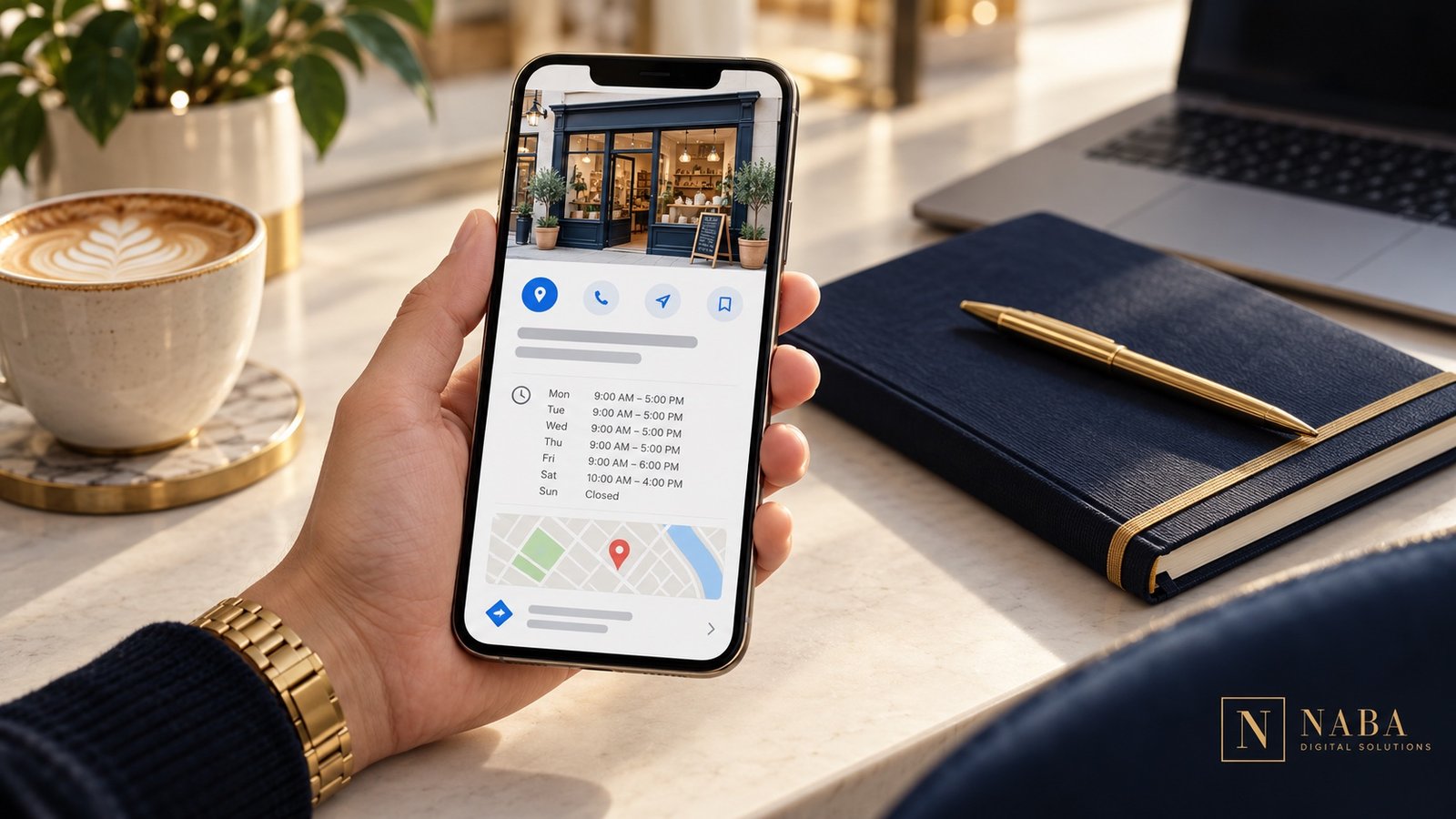
Open the public profile as a customer would. Check the website link, telephone number, hours and description of your services. Keep a simple checklist so changes in your business are reflected on the profile rather than remembered months later.
2. Use your real business identity
Present the business name customers actually know. Do not add a string of cities and services just to target searches. Google’s representation guidelines address business names, categories and accurate location details. Check the rules that apply to your business type before creating or changing a listing.
3. Give each important service a useful page
A visitor looking for a particular service should not need to search through a long list of unrelated offers. Explain who the service is for, what is included, what information you need and how to request a quote. Use the words your customers use in actual conversations.
4. Write about the places you genuinely serve
Help customers decide whether your business is relevant to their location. Explain practical details such as service coverage, appointment arrangements or delivery availability. If you create separate area pages, give each a real purpose and useful local information instead of repeating the same paragraph with a different city name.
5. Make contact information consistent
Compare the details on your website, profile and business directories you actually maintain. Correct old telephone numbers, inactive links and confusing addresses. Use one internal reference document for your current contact details so future updates are easier.
6. Build an honest review-request routine
After a completed service, give customers a straightforward way to share their experience. Google permits review links and QR codes, but its review guidance prohibits incentives for posting, changing or removing a review. Keep requests neutral and respond professionally to the feedback you receive.
7. Use photographs that explain the business
Choose images that help a visitor understand your work: the premises customers will visit, a service being performed or a product they can recognize. Clearly distinguish illustrative marketing visuals from photographs of your actual team, location or projects. Keep the logo and visual identity consistent with your website.
Illustrative customer interaction.
8. Test the visit from a phone
Follow the path from your profile to the website. Can you find the relevant service, tap the telephone number and submit the form? Check error messages and confirmation text too. A working inquiry path matters more to a customer than another decorative section.
9. Connect related information
Link a service page to a relevant case study, a helpful article and the appropriate inquiry form. Keep the navigation understandable. For example, a real estate business can connect its agent introduction with local expertise, property presentation and a consultation request instead of sending every visitor to a generic homepage.
10. Review evidence and decide what to improve next
Track the questions people ask when they contact you and the pages they mention. Use available profile reporting to review searches and interactions; Google’s performance documentation explains that available metrics vary by business. A click is useful evidence of an action, but it is not automatically a booked customer.
A manageable first month
Week one: check your profile and contact information.
Week two: improve the service page most relevant to your customers.
Week three: test mobile inquiries and organize your review-request process.
Week four: review the questions and interactions you recorded, then choose the next improvement.
A customer may encounter your business on Google before reaching your website. A well-maintained Business Profile helps that person check practical information, explore your services and decide whether to take the next step.
It works best alongside a clear website and a reliable way to handle inquiries. Creating a listing without maintaining the information or responding to customers leaves much of that opportunity unfinished.
First, confirm that the business is eligible
Despite the common phrase “every small business,” a Google Business Profile is not suitable for every business model. Google’s guidelines generally require a location customers can visit or a business that travels to customers. Online-only businesses are not eligible merely because they have a website. Check the current rules and the way your business operates before setting up a profile.
For an eligible business, decide who will manage access. Use accounts the business can retain control of, and keep the ownership arrangement clear when an outside partner helps with setup.
Make the listing useful to a real customer
Think about the information someone needs before contacting you. They may want to know what services you provide, when you are available, whether you serve their area and where to find more detail.
Keep your public telephone number, website and working hours current. Write a description that explains the business in ordinary language. Choose photographs that help customers recognize what you actually offer. Do not use a stock photograph as if it were your real office or team.
Connect the profile to the right website journey
The website should continue the conversation started on the profile. A visitor interested in a service needs a clear explanation of that service, evidence of relevant work and an easy contact route.
Check the link yourself on a phone. Read the destination page, complete the contact form and confirm that the message reaches the right person. If you add a booking link, also check what happens after a visitor chooses a time or submits a request.
Let authentic reviews support the decision
A useful review gives a prospective customer context about another person’s experience. Ask customers for honest feedback after the work, using a simple link or QR code. Do not offer a reward for a positive rating or for changing criticism; Google’s review guidance explains the rules.
Below are the actual reviews connected to Naba Digital Solutions’ Google profile. The widget links back to their source, so visitors can distinguish real customer feedback from a decorative testimonial image.
Understand what the numbers can—and cannot—tell you
Google’s Business Profile reporting can show how people discover and interact with a verified profile. The available measures depend on the business, and reporting can include organic and advertising activity.
Use those figures to form practical questions. If people visit the site but rarely inquire, check the destination page and the offer. If customers regularly ask the same basic question, make that answer easier to find. Record actual inquiries and bookings separately so website activity is not mistaken for business revenue.
A simple maintenance checklist
Review hours and contact details when business arrangements change.
Check that the website and booking links still reach the intended destination.
Read new reviews and prepare a relevant, professional response.
Refresh photographs when the business, services or premises change.
Review inquiry quality alongside the reporting that is available.
Keep the process realistic: assign a person, a review date and a way to record changes. A profile that your team can maintain is more useful than an elaborate setup that nobody owns afterward.
A real estate website should help a buyer, seller or referral understand your expertise and begin a useful conversation. Attractive property photography matters, but it needs a clear structure, practical information and an inquiry process your team can manage.
Start by deciding which audience and services deserve priority. An independent agent, a brokerage and a property-focused business may need different page structures and tools.
Define the main journeys
List the tasks visitors are likely to bring to the site. A prospective seller may want to understand your approach before requesting a consultation. A buyer may want to explore the area and ask about a property. A referral may simply need to confirm your experience and contact you.
Give each priority a clear route. Avoid making visitors move through a large property gallery before they can find who you are or how you can help.
Build a useful core page structure
Home: explain your offer, service area and next step.
About: introduce the professional or team, relevant experience and working approach.
Buyer and seller services: explain the support provided and the information needed to start.
Property presentation: organize the listings or selected work you are authorized to publish.
Local information: answer practical questions about the areas you actually serve.
Contact: provide a focused consultation or property inquiry form.
The final list should reflect your business rather than a template’s default menu. A smaller set of well-maintained pages can be easier for customers and your team to use.
Make property pages easy to explore
Use a consistent order for photographs, key details, location information and the inquiry action. Clearly distinguish an active listing from a completed transaction or illustrative portfolio example. Explain what the inquiry button will do—request a conversation, ask about availability or arrange the next step.
Check image rights and the listing information you are allowed to display before publishing. If the project needs MLS or IDX integration, confirm the feed, provider, access requirements and continuing costs with the relevant parties before including it in the build. A design mockup alone does not establish that an integration is available.
Design for mobile decisions
Test a full journey on a phone: open the menu, review a service or property, view photographs and submit an inquiry. Keep contact controls easy to tap and avoid hiding basic information behind repeated popups.
Large photographs need careful preparation. Ask your designer how the site will serve appropriately sized images and keep the page usable while they load. Review representative property pages as well as the homepage.
Give inquiries enough context
A useful form helps your team prepare for the response. For a property inquiry, include a property reference or page link. For a consultation, a name, contact method, area of interest and short message may be enough to begin.
Avoid collecting detailed financial records through a general marketing form. Agree where inquiries go, who responds and how you will confirm that delivery works. A form submission should lead to a defined follow-up process rather than an unmonitored mailbox.
Show expertise with evidence
Use a genuine biography, clear service descriptions and authentic reviews. When presenting a project, explain what you delivered. Screenshots and website mockups can illustrate design choices, but they should not be presented as proof of a particular sales result.
Local articles can answer questions your clients actually ask: how to prepare for a first consultation, what information helps you understand a search, or how your service works in a particular area. Prioritize useful, current explanations over repetitive city-name pages.
Illustrative agent–client meeting.
Decide who maintains the website
Assign responsibility for listing status, photographs, service copy, contact details and technical upkeep. Include those tasks in the project discussion and ask for a handover built around them. If outside tools are involved, keep account ownership and recurring charges clear.
A website does not need a redesign simply because a new style is fashionable. Start with evidence that the current experience is confusing customers, misrepresenting your business or making routine work unnecessarily difficult.
These ten signs help you identify the real problem and decide whether you need focused improvements or a broader rebuild.
1. The first screen no longer explains your offer
Show the homepage to someone unfamiliar with the business. Ask what you do, who you help and what they would click next. If the answers are unclear, revise the message and hierarchy before adding more sections.
2. Mobile visitors struggle with basic tasks
Open the site on a phone and try to find a service, open the menu, tap a contact link and submit a form. Look for tiny controls, horizontal scrolling, text hidden by overlays and forms that are frustrating to complete. Record the task that fails so the fix can be tested later.
3. Important pages feel slow or unstable
Notice whether visitors wait for the main content, whether buttons respond promptly and whether elements jump as a page loads. Google’s Core Web Vitals guidance measures loading, interaction and visual stability. Use measurements to investigate the pages and devices involved; do not assume that replacing the entire design is the only solution.
4. The content describes yesterday’s business
Outdated services, team information, prices or contact details create unnecessary uncertainty. Make an inventory of what is still useful and what needs rewriting. If the underlying page structure still fits, a content refresh may be enough.
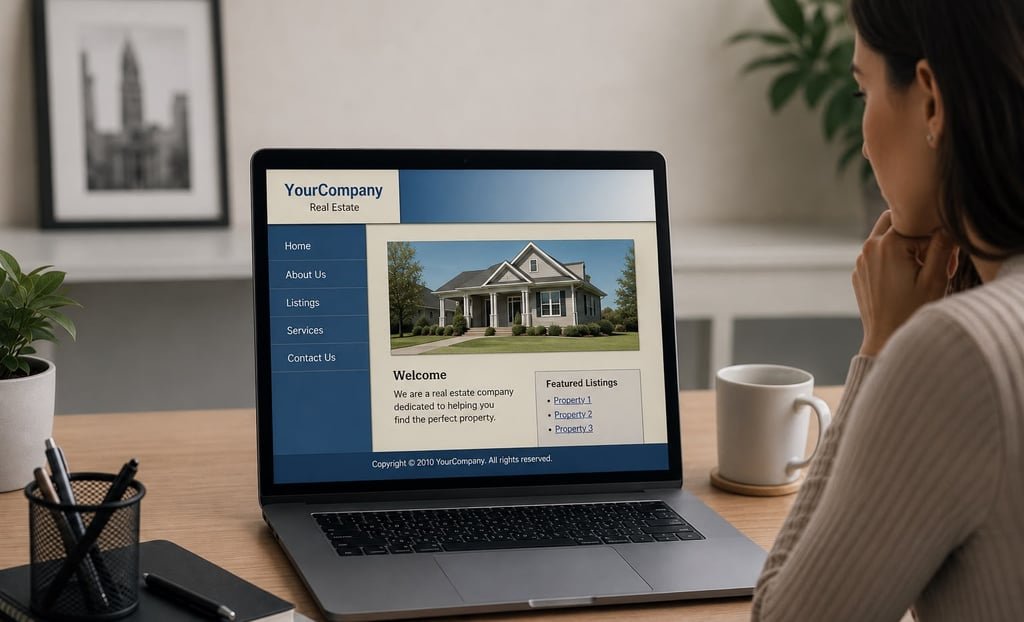
Illustrative older website layout.
5. The branding changes from page to page
Compare your logo, color palette, typography and image style across the website. A visitor should recognize one business. Old logos embedded inside blog graphics need attention too: updating the header does not automatically update text or branding baked into an image.
6. Visitors cannot see enough relevant evidence
A list of services may not answer the customer’s main question: “Have you handled a project like mine?” Add appropriate work examples, explain the deliverables and link to their live source when possible. Use authentic client reviews and avoid presenting mockup dashboards as measured results.
7. Forms and inquiry routes are unreliable
Submit a clearly identified test and verify receipt. Check required fields, validation messages, the confirmation screen and the person responsible for follow-up. Repairing the message delivery can be more urgent than changing the homepage design.
8. Routine edits depend on a developer
If your team cannot change a telephone number, update an image or publish an article comfortably, review the content management setup and training. Identify the tasks your business performs regularly and include them in the handover requirements.
9. The site lacks a workable maintenance process
Ask who handles software updates, backups and recovery. A fresh design does not replace those responsibilities. WordPress documents the importance of backing up both site files and the database. Define a process your team can actually follow.
10. The structure cannot support the next stage
A new store, another language or an appointment service may expose limits in the existing setup. Specify the new customer journey and required tools first. Then compare extending the current website with rebuilding the parts that are holding it back.
Plan the transition before changing the public site
Keep a record of valuable pages, images and existing addresses. Prepare the replacement in a temporary environment, check key tasks, and agree how the launch and recovery will work. When URLs change, Google’s site-move guidance explains the role of address mapping, redirects and post-launch monitoring.
Use a short acceptance checklist: correct content, working mobile navigation, received form messages, appropriate redirects, secure connections and a clear handover. Keep useful work rather than replacing it simply to make the project larger.