
Updated October 26, 2026 · Naba Digital Solutions
A website does not need a redesign simply because a new style is fashionable. Start with evidence that the current experience is confusing customers, misrepresenting your business or making routine work unnecessarily difficult.
These ten signs help you identify the real problem and decide whether you need focused improvements or a broader rebuild.
1. The first screen no longer explains your offer
Show the homepage to someone unfamiliar with the business. Ask what you do, who you help and what they would click next. If the answers are unclear, revise the message and hierarchy before adding more sections.
2. Mobile visitors struggle with basic tasks
Open the site on a phone and try to find a service, open the menu, tap a contact link and submit a form. Look for tiny controls, horizontal scrolling, text hidden by overlays and forms that are frustrating to complete. Record the task that fails so the fix can be tested later.
3. Important pages feel slow or unstable
Notice whether visitors wait for the main content, whether buttons respond promptly and whether elements jump as a page loads. Google’s Core Web Vitals guidance measures loading, interaction and visual stability. Use measurements to investigate the pages and devices involved; do not assume that replacing the entire design is the only solution.
4. The content describes yesterday’s business
Outdated services, team information, prices or contact details create unnecessary uncertainty. Make an inventory of what is still useful and what needs rewriting. If the underlying page structure still fits, a content refresh may be enough.
5. The branding changes from page to page
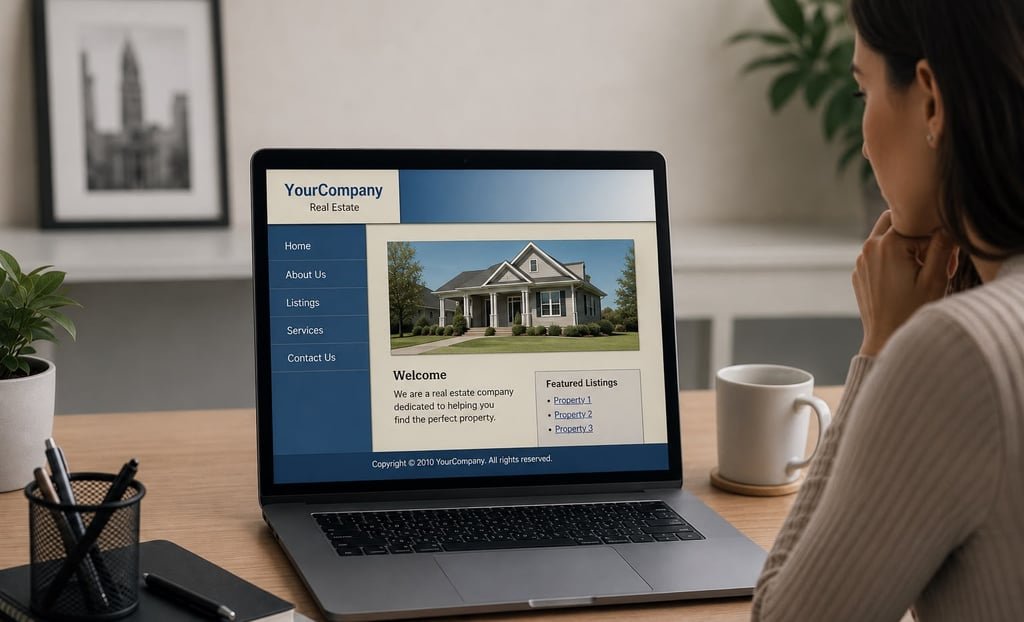
Compare your logo, color palette, typography and image style across the website. A visitor should recognize one business. Old logos embedded inside blog graphics need attention too: updating the header does not automatically update text or branding baked into an image.
6. Visitors cannot see enough relevant evidence
A list of services may not answer the customer’s main question: “Have you handled a project like mine?” Add appropriate work examples, explain the deliverables and link to their live source when possible. Use authentic client reviews and avoid presenting mockup dashboards as measured results.
7. Forms and inquiry routes are unreliable
Submit a clearly identified test and verify receipt. Check required fields, validation messages, the confirmation screen and the person responsible for follow-up. Repairing the message delivery can be more urgent than changing the homepage design.
8. Routine edits depend on a developer
If your team cannot change a telephone number, update an image or publish an article comfortably, review the content management setup and training. Identify the tasks your business performs regularly and include them in the handover requirements.
9. The site lacks a workable maintenance process
Ask who handles software updates, backups and recovery. A fresh design does not replace those responsibilities. WordPress documents the importance of backing up both site files and the database. Define a process your team can actually follow.
10. The structure cannot support the next stage
A new store, another language or an appointment service may expose limits in the existing setup. Specify the new customer journey and required tools first. Then compare extending the current website with rebuilding the parts that are holding it back.
Plan the transition before changing the public site
Keep a record of valuable pages, images and existing addresses. Prepare the replacement in a temporary environment, check key tasks, and agree how the launch and recovery will work. When URLs change, Google’s site-move guidance explains the role of address mapping, redirects and post-launch monitoring.
Use a short acceptance checklist: correct content, working mobile navigation, received form messages, appropriate redirects, secure connections and a clear handover. Keep useful work rather than replacing it simply to make the project larger.
Not sure which signs apply? Request a website consultation. Naba can review your goals and recommend a focused refresh or a defined web design and development project.